You can record some eerie sounds and set background music to them.
6 Pixel features to try this Halloween
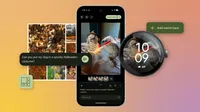
This Halloween season, you may already be conjuring the perfect costume, or researching your trick-or-treating route. Now, get ready to summon a terrifyingly good tool to go along with it: Pixel. Here are a few frighteningly fun features to try, including the latest additions released with the new Pixel 10 phones, the Pixel 10 Pro Fold and the Pixel Watch 4.
1. Try a festive Pixel Watch face.
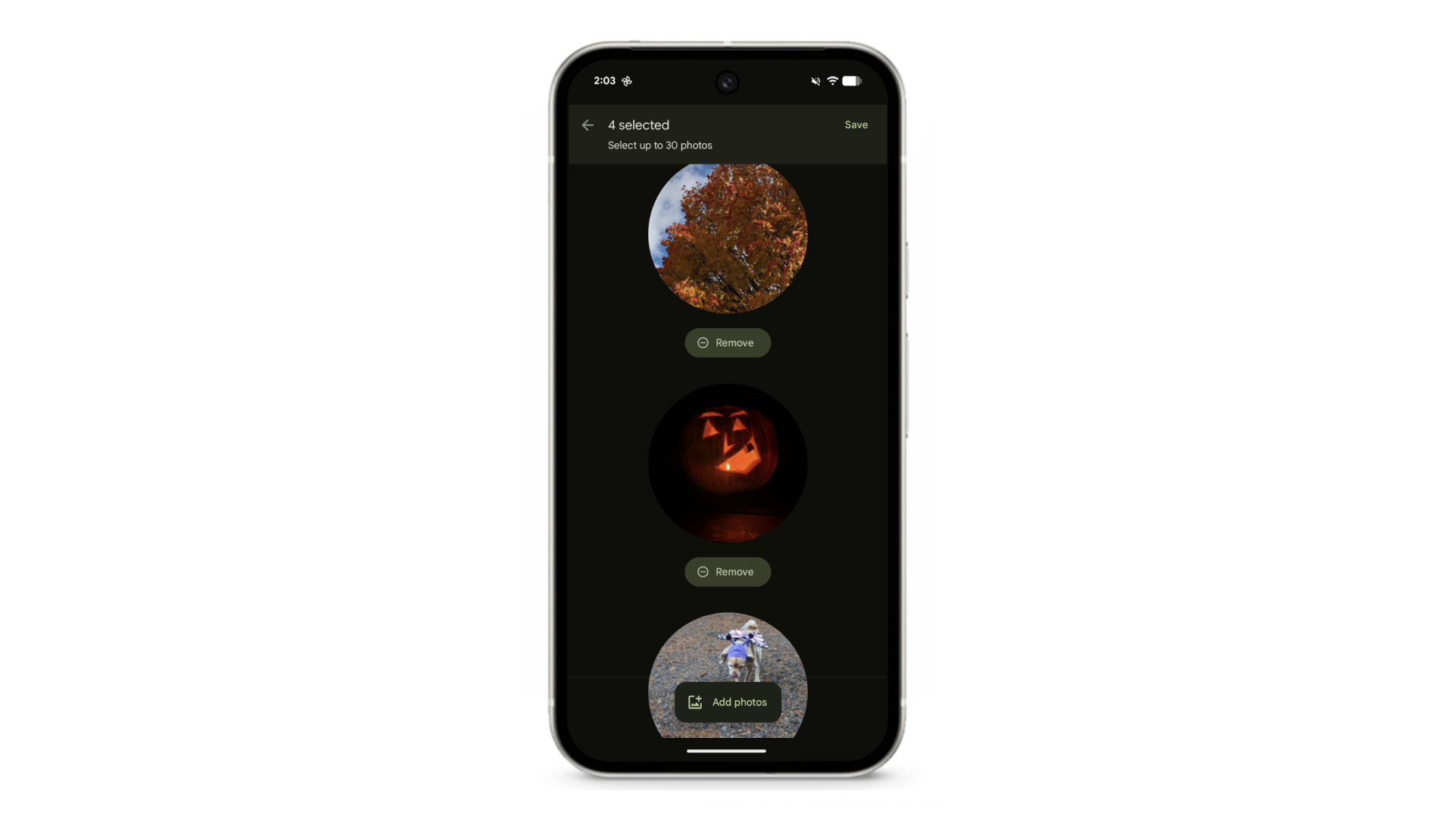
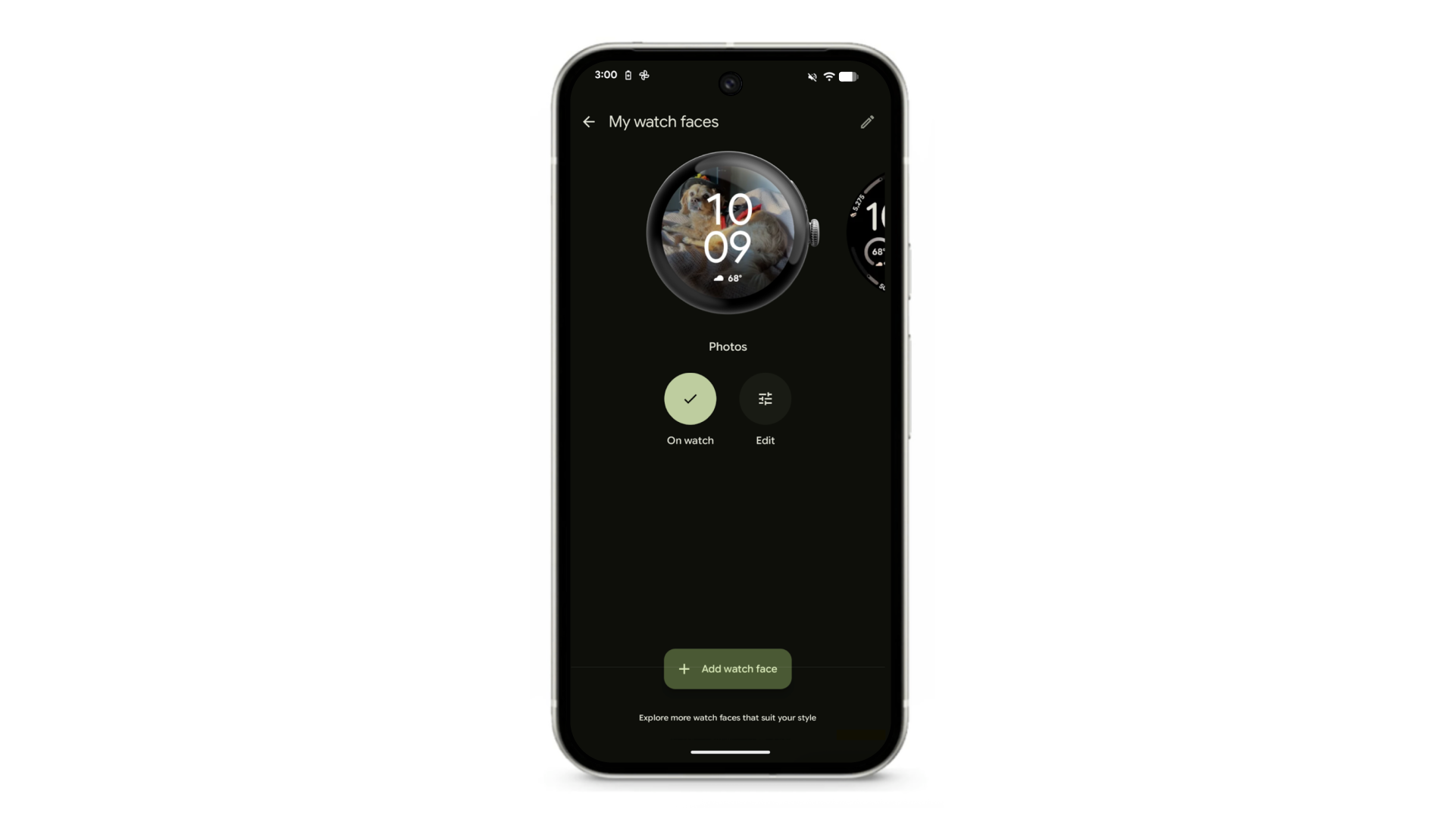
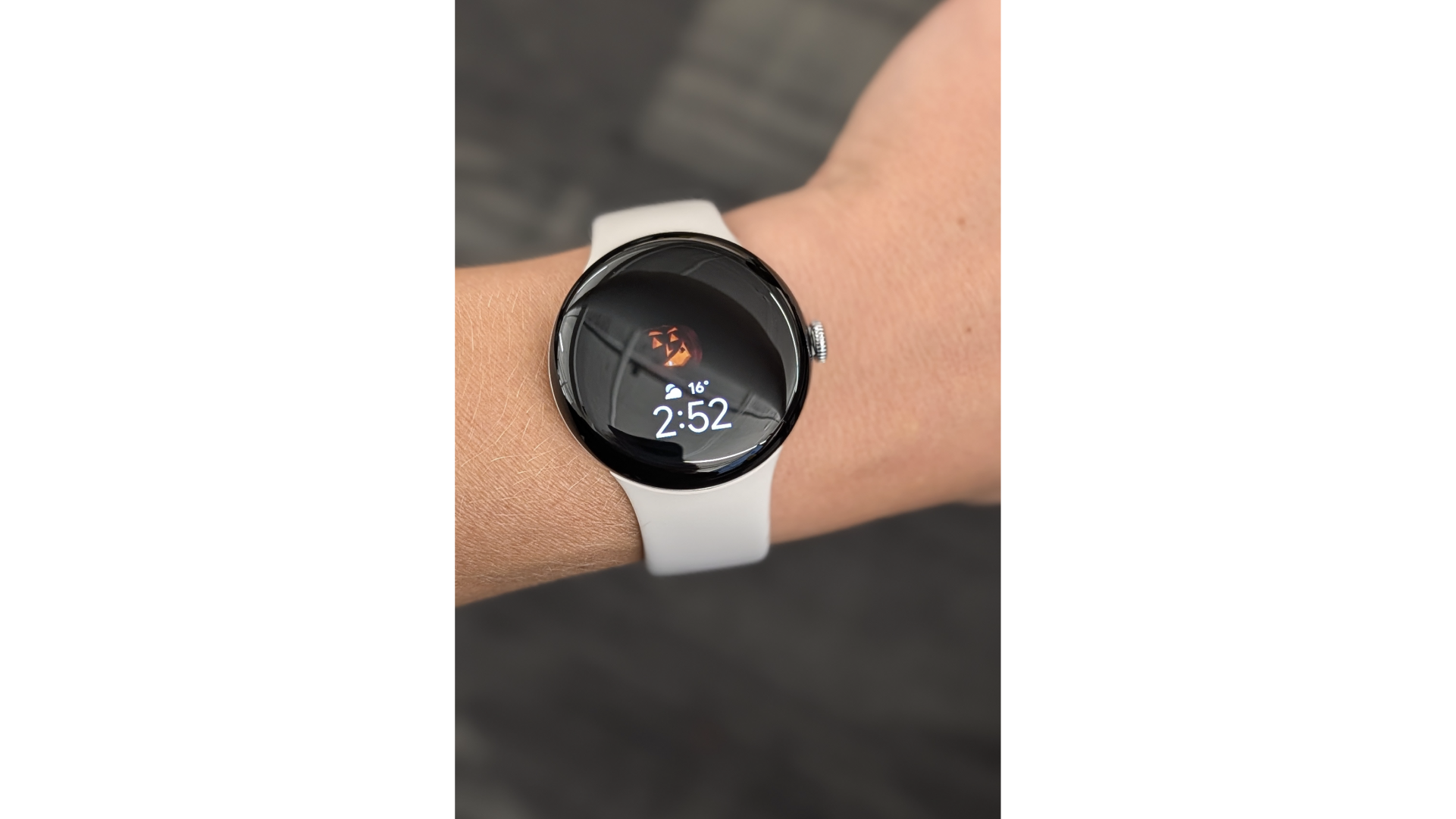
In the Pixel Watch app, select “watch faces” and then the edit icon in the upper righthand corner. You’ll see an option for a photo watch face. Once you select it, go to Google Photos and select up to 30 photos that your watch will show on its display. Try scrolling back to past Octobers for some nostalgic Halloween picks, right on your wrist.
2. Get the entire group in the shot.
Speaking of group shots: You might be getting together with friends and family quite a bit this month, whether that’s to visit the pumpkin patch, swap soups, trick-or-treat, watch scary movies or hit up a costume party. Pixel 10’s Auto Best Take will make sure you all look your best in your group pic, and you can use Add Me to get everyone — even the photographer — in there. And if you have a Pixel 10 Pro Fold, you can rely on Instant View to immediately show you if you got the shot: One half of the phone will show you the photo while you can continue to shoot via the live feed on the other half — that way, you’ll really know if you got the perfect group selfie or need to take a few more.
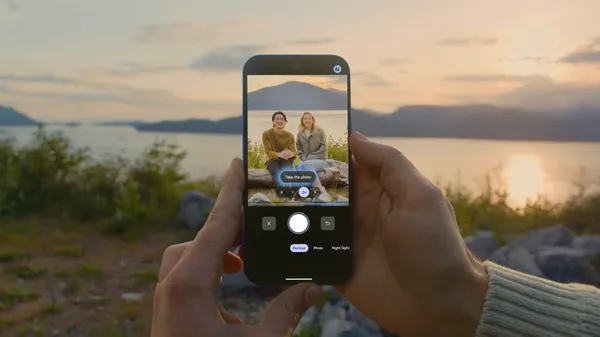
3. Want a spooky shot? Use Camera Coach.
Another helpful feature for making sure you get the image you want is Camera Coach. Maybe you’re carving pumpkins and need help figuring out how to frame them all or you want to capture an artsy image of someone’s costume: Camera Coach will ask what you want to accomplish with your photo, then guide you through to the result.
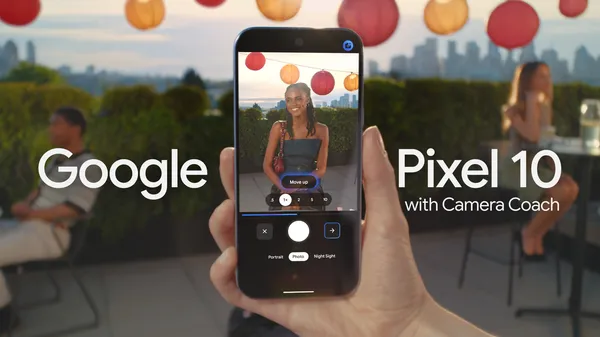
4. Generate frightening or festive photos.
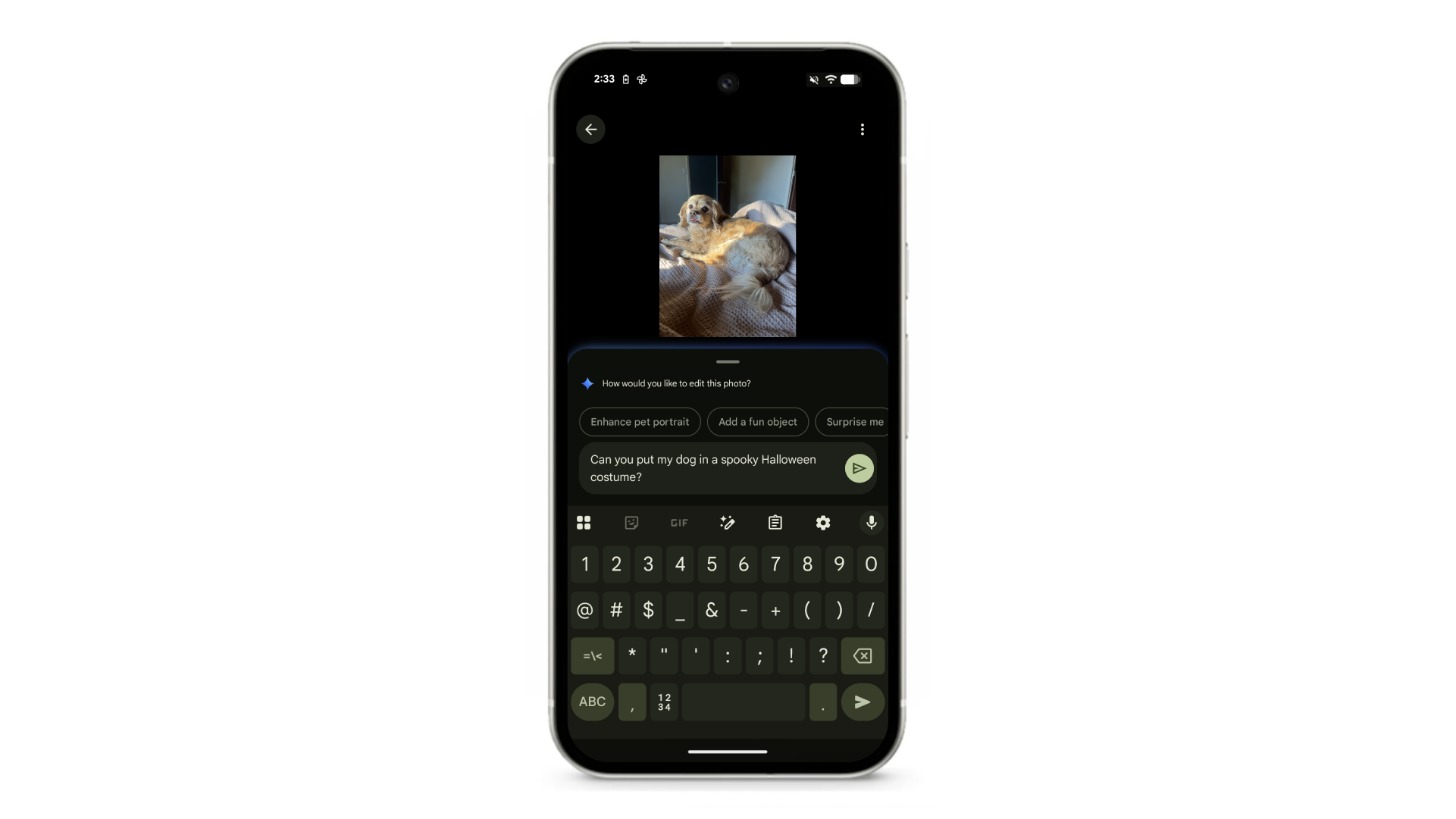
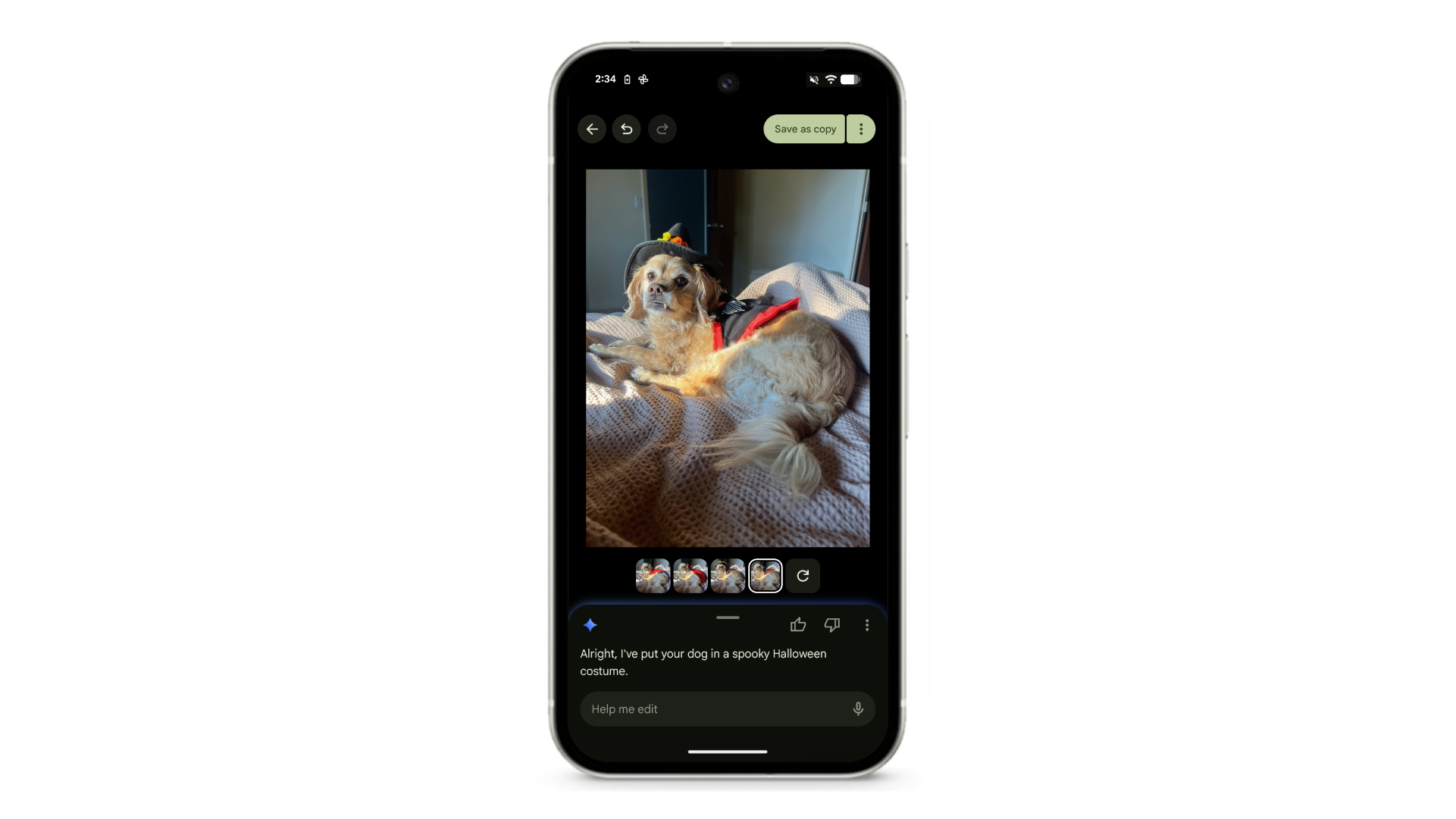
There are so many ways you can use Pixel for some scary fun with photos: You can ask Gemini to turn a photo from last Halloween into a short video or to make your pic look like it’s from the ancient past. There’s also Pixel Studio, where you can use AI to create any spooky scene you can imagine. And there’s no shortage of ways to play with images in Google Photos — like asking it to put your pup in a costume or creating a fall-themed collage.

5. Record an eerie track.
Pixel’s Recorder app now lets you add background music to a recording. Hosting a Halloween party or a haunted house? You can record some eerie sounds and set background music to them. You can choose to create your own vibe (the “angry” and “sad” options work best for scary party purposes and would easily complement ghostly “ooOOooOOoo”s!) and Pixel will generate a track for you.

6. Adjust to darker days.
Halloween’s approach isn’t the only sign of fall: There are also the darker, shorter days. Help yourself adjust to the season change with Pixel’s Sunrise Alarm, which gradually brightens your screen over 15 minutes before your audio alarm goes off. Even if you can’t actually wake up with the sun these days, this can help getting up in the dark feel a bit more natural.