6 ways Google Play helps keep you safe
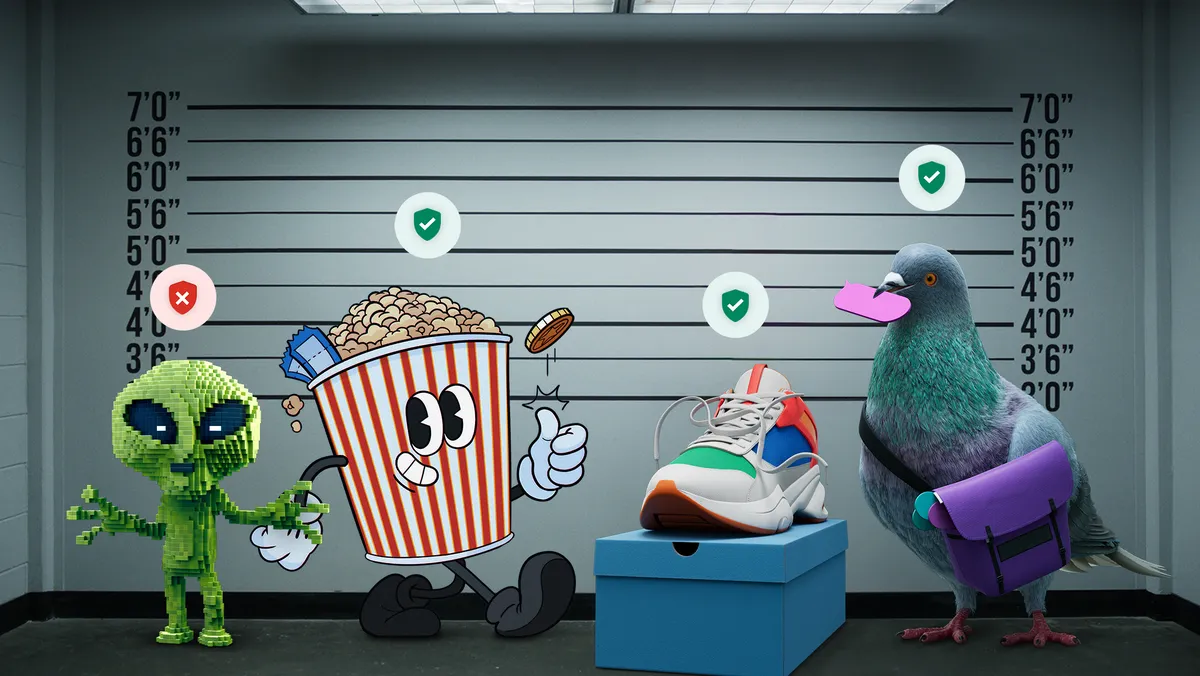
Can you tell a safe app from an unsafe app? It’s harder than you think. Safety and security are foundational to everything we build at Google Play. Leveraging Google’s safety expertise, we invest heavily in features that help you avoid digital traps and stay safer online. We’re continually improving these protections and evolving our policies to ensure safe, high-quality apps on Google Play and to stop bad actors before they can cause you harm. In 2024, we prevented 2.36 million policy-violating apps from being published on Google Play and banned more than 158,000 bad developer accounts that attempted to publish harmful apps.
Earlier this year, we shared how we’ve kept Google Play safe from bad apps and how we’re helping developers build safer apps. Today, we’re rounding up 6 of the many ways that we help keep your apps, data and payments safe:
1. Safety checks on every app
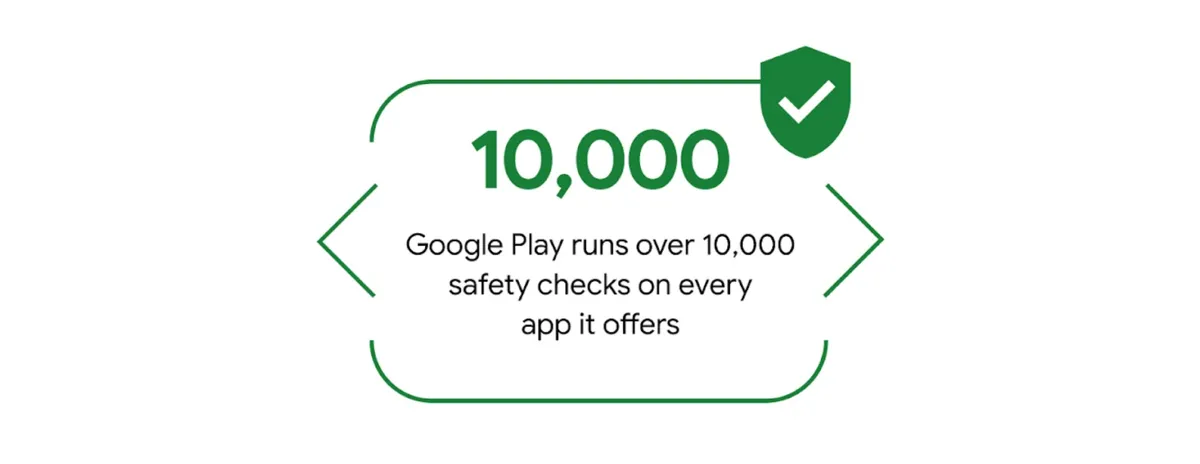
Google Play runs over 10,000 safety checks on every app it offers. These checks happen before an app is available on Google Play and before a Play app is updated. And, we continually check all apps in our store to help keep you safe.
2. Transparency in Data safety sections
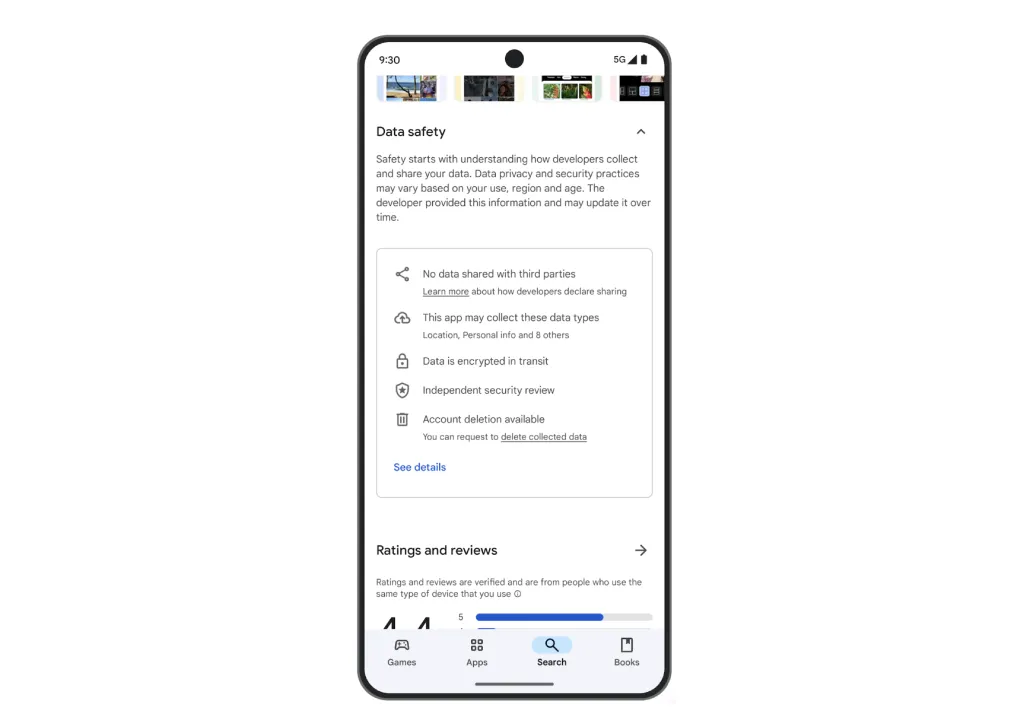
Each app’s Data safety section gives you visibility into how an app collects, shares and protects your data. Here, you’ll learn if an app shares data with third parties or has certain security practices like encryption of data in transit. By reviewing Data safety sections, you can make more informed decisions about what apps you use.
Get more information about how an app uses data
3. Secure payments and purchase verification
Google Play’s billing system ensures you can safely purchase digital products and subscriptions. Your payment information stays between you and Google — it’s securely stored and isn’t shared with app developers. For an extra level of security, you can also require purchase verification, providing authentication with password or biometrics any time that you make a purchase on Google Play.
4. Trusted tools for kids and families
We partner with app businesses and parents to help keep kids and teens safe online while empowering families. If children are the target audience for an app, there are additional Play requirements that the app must meet concerning its content and handling of personal information. And, with our parental controls, parents can choose to restrict age-inappropriate experiences and content from being downloaded or purchased.
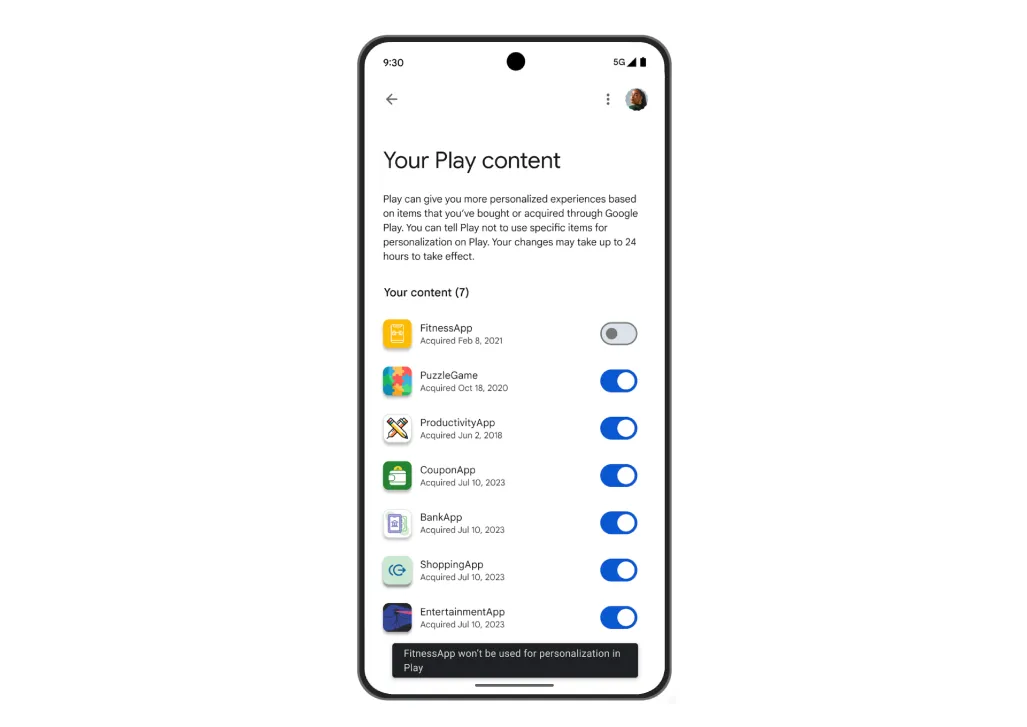
5. Control over your Play data
You have transparency and control when it comes to what Play data is used to shape your store results and recommendations. For example, you can tell Play not to use data associated with a particular app for personalization within the Play store.
Control what Play data is used to shape your personalized experience
6. App badges for additional verification
For Play apps in select categories, we offer badges that provide an extra layer of validation and connect you with safe and high-quality experiences. For instance, our “Government” badge can help you identify official government apps and our "Verified" badge recognizes consumer VPN apps that go above and beyond to protect their users.
These are just some of the ways we help keep your apps, data, and payments safe, so you can download with confidence. To learn more, visit Download apps not traps in the US.
Go Play.